Step Closer, See Further: Two Ways to Read the Map
Contributed by: Takeshi Miyaoka on Sunday, September 06 2026
Last modified on Sunday, September 06 2026
DEVELOPMENT SNAPSHOT #17
A strategic map needs two kinds of sight: one that reads the movement of a continent, and one that studies a single harbor. Today we introduce the actual 2x and 3x zoom assets that let players switch quickly between those perspectives.
Begin with the wider view — 2x
The 2x preset is a gateway for reading several regions while preserving their relationships. Its resting button waits quietly without competing with the map.
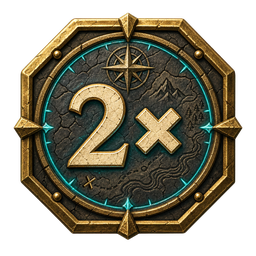
Light reveals the current scale
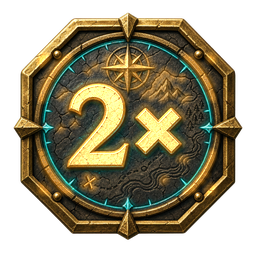
When the view matches the preset, the selected artwork appears. A change in light, not just a number, confirms the current perspective.
Move closer — 3x
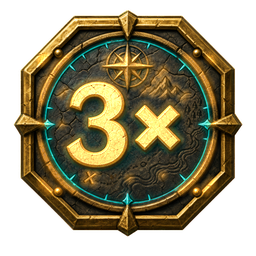
The 3x preset brings regions and units closer. It shortens the distance between player and map when a local change demands attention.
A ruler beneath the zoom controls
The implementation draws both preset buttons and a distance bar in the same scale panel. The bar calculates its kilometer label and screen length from the current zoom, while enforcing a minimum width so it remains readable. The panel is also constrained inside the game window.
Zoom is more than presentation. Survey from afar, move closer to decide, then return to the larger picture. That rhythm is part of the pleasure of reading a living map.