
ようこそ! Happa, Anonymous 土曜日, 8月 15 2026

Ashwind Chronicle — 灰風の世界を生きる

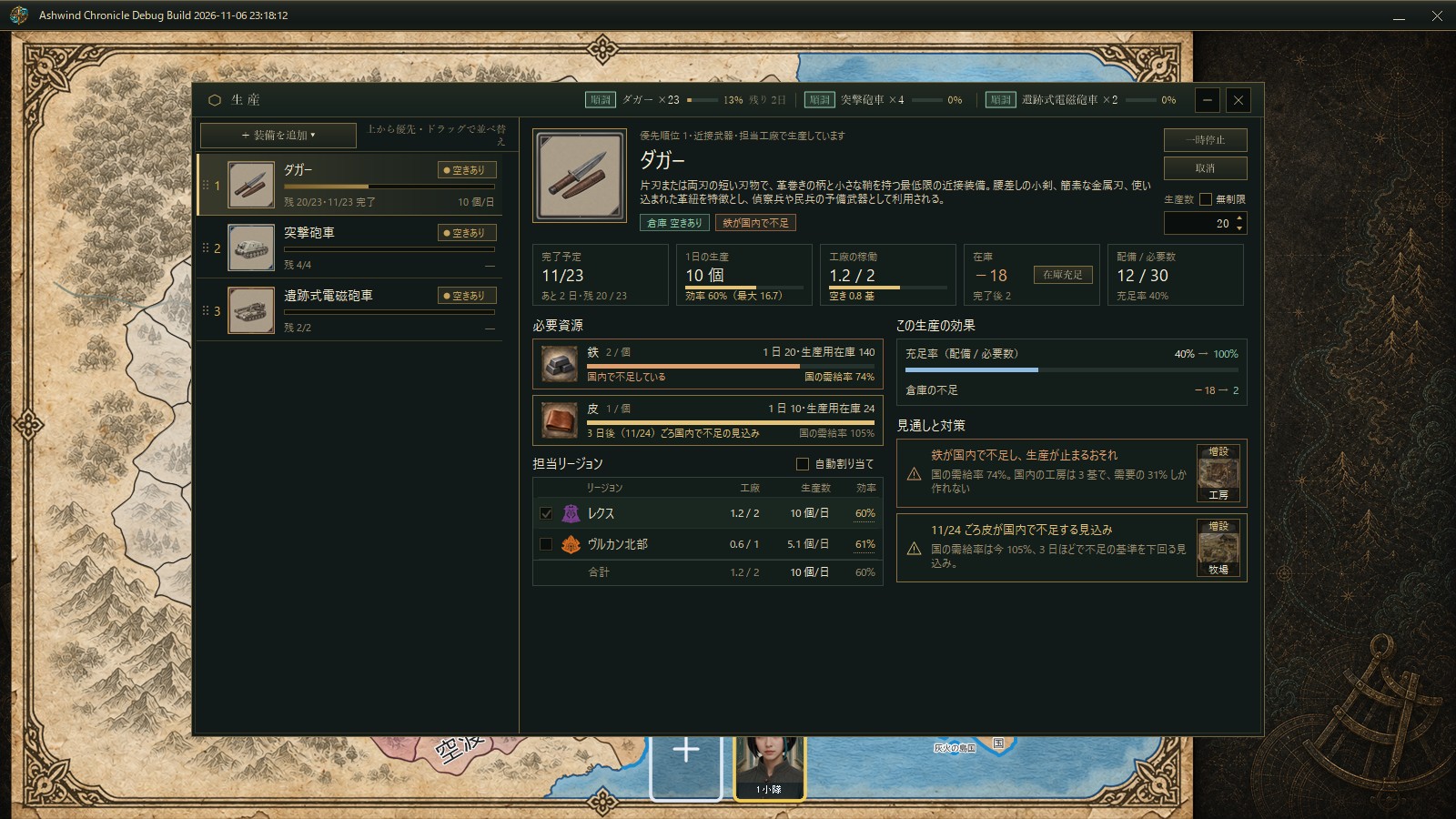
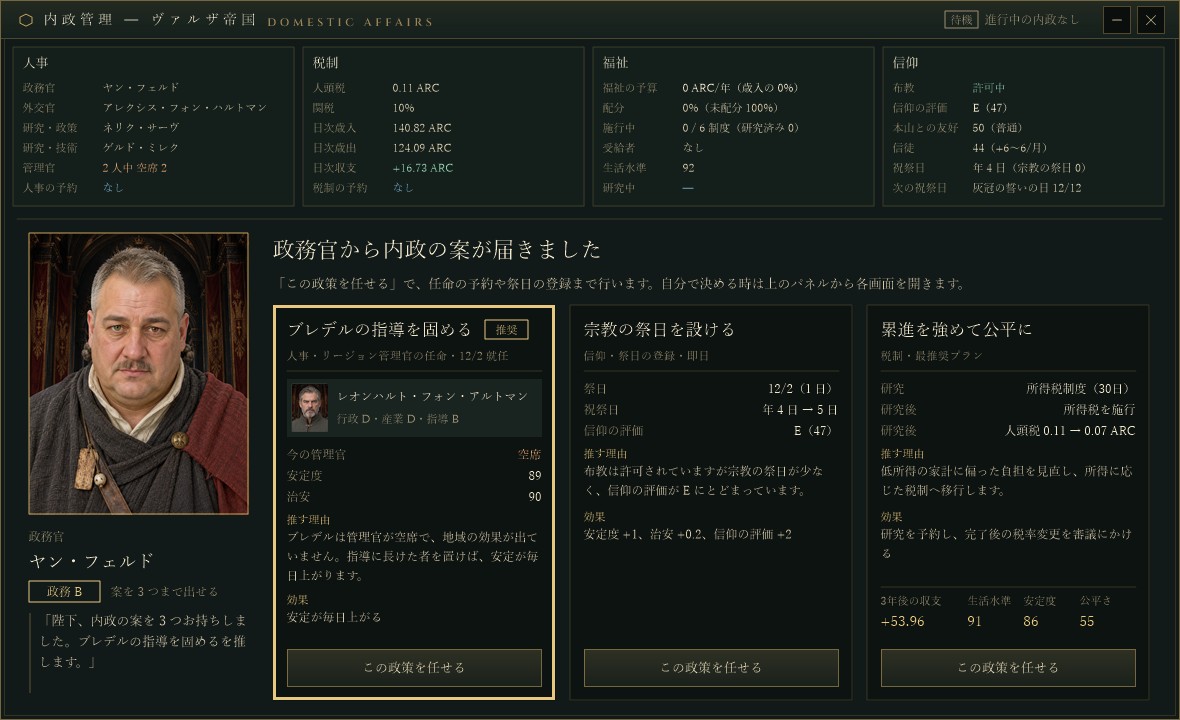
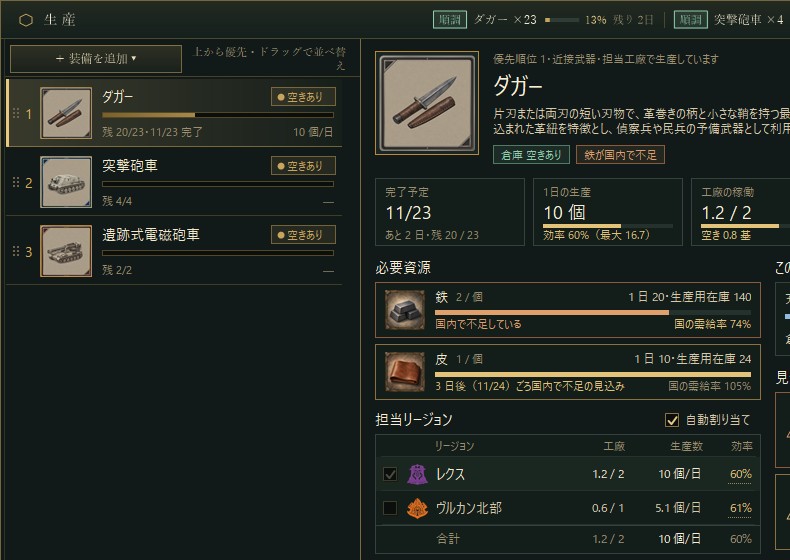
Ashwind Chronicleのタイトル画面

開発中のストラテジーゲーム

文明は、何を守るために進化するのか。

『Ashwind Chronicle』は、灰を運ぶ風、広がる腐海、目覚めを待つ旧文明の遺産をめぐり、国家の未来を選び取る世界戦略シミュレーションです。

この世界では、繁栄そのものが答えではありません。何を恐れ、何と共に生き、どこまで人間であり続けるのか。その思想が技術、経済、外交、戦争、そして世界の行方を変えていきます。

灰風が巡る世界

大地には毒を含む腐海が広がり、巨大な蟲が独自の生態系を形作っています。人々は限られた土地と資源を結び、都市を育て、海路と陸路を築きながら暮らしています。その地下や廃都には、かつて世界を変えた旧文明の技術が眠っています。

プレイヤーは一つの国家を導きます。地形、人口、資源、生産、交易路、研究、軍備を読み解き、短期的な利益と長期的な生存の間で決断を重ねます。

世界に向き合う四つの思想

共生文明

自然と蟲を排除せず、風と生態系を読みながら生きる道。低刺激の技術、浄化、偵察、長期的な再生を得意とします。

帝国工業文明

人間圏を守るため、工業力と軍事力で環境を制圧する道。大量生産、重装備、火力、強固な統治を追求します。

遺跡探究文明

失われた知識を解析し、旧文明を復元する道。発掘、研究、精密技術、高性能な飛空技術で未来を切り開きます。

適応工学文明

世界を変えるのではなく、人間の側を変えて生き延びる道。毒への耐性、生体素材、精神共鳴という危険な可能性へ踏み込みます。

地図の上で、世界が動き続ける

国家を形づくる

都市と地域をつなぎ、人口と産業を育てます。国家の強さは領土の広さだけでなく、暮らしを支える仕組みから生まれます。

経済を読み解く

資源の需給、生産力、雇用、価格、輸送距離が地域市場を変化させます。一本の交易路が遠い都市の運命を変えることもあります。

選択の結果を受け入れる

強い兵器には維持と環境の代償があり、未知の技術には事故の危険があります。便利な正解ではなく、その文明らしい答えを選びます。

動作環境(開発版・暫定)

対応OS
Windows(64ビット版を想定)
必要ランタイム
.NET 10 Desktop Runtime(現在の開発ビルド)
推奨画面
1920×1080以上(UI設計基準:1920×1024)
操作
マウス、キーボード
CPU・メモリ・GPU・空き容量
現在検証中

本情報は開発版の暫定要件です。最適化と配布形式の確定後に更新します。正式版では .NET ランタイムを同梱する可能性があります。

まだ地図にない物語を、一緒に。

『Ashwind Chronicle』は現在開発中です。世界、国家、人物、資源、装備、経済シミュレーションを一つずつ積み重ねています。開発の歩みを見守り、この世界が形になる瞬間に立ち会っていただければうれしく思います。

ゲーム開発を応援する

Sync on-premise MySQL to private RDS using DMS

Synchronize data from an on-premise MySQL server to a privately-run RDS on AWS via a Site-To-Site VPN.

A simple configuration diagram is shown below.

It is assumed that the Site-To-Site VPN connection and Transit Gateway have already been created.

References : How to connect to AWS via Site-to-Site VPN using Juniper SRX300

The tasks to be performed are as follows:

We assume that you are already hosting MySQL on RDS.

Create the following definition in DMS:

  1. Creating a Replication Instance
  2. Create a Source Endpoint
  3. Create a Target Endpoint
  4. Creating a Database migration tasks

Share Transit Gateway with Resource Access Manager

This time, I would like to describe how to share a Transit Gateway created with a Site-To-Site VPN connection with other AWS accounts.

A simple configuration diagram is shown below.

It is assumed that the Site-To-Site VPN connection and Transit Gateway have already been created.

References : How to connect to AWS via Site-to-Site VPN using Juniper SRX300

The tasks to be performed are as follows:

(1) Work on the AWS account A

  1. Creating a Resource Share

(2) Work on the AWS account B

  1. Accepting an invitation
  2. Creating a Transit Gateway Attachment

Resolve names by referencing the AWS inbound resolver from the on-premises Windows DNS Server

In an environment using split-brain DNS, name resolution for resources within AWS is performed from an on-premises DNS server via a private network.

Create an environment with the configuration shown in the image below.

The tasks to be performed are as follows:

(1) Work on the AWS side

  1. Creating Lambda Function
  2. Issuance of official certificates
  3. Creating an ALB
  4. Configuring route53

(2) Work on the On-Premise side

  1. Configuring a Conditional Forwarder

ページナビゲーション